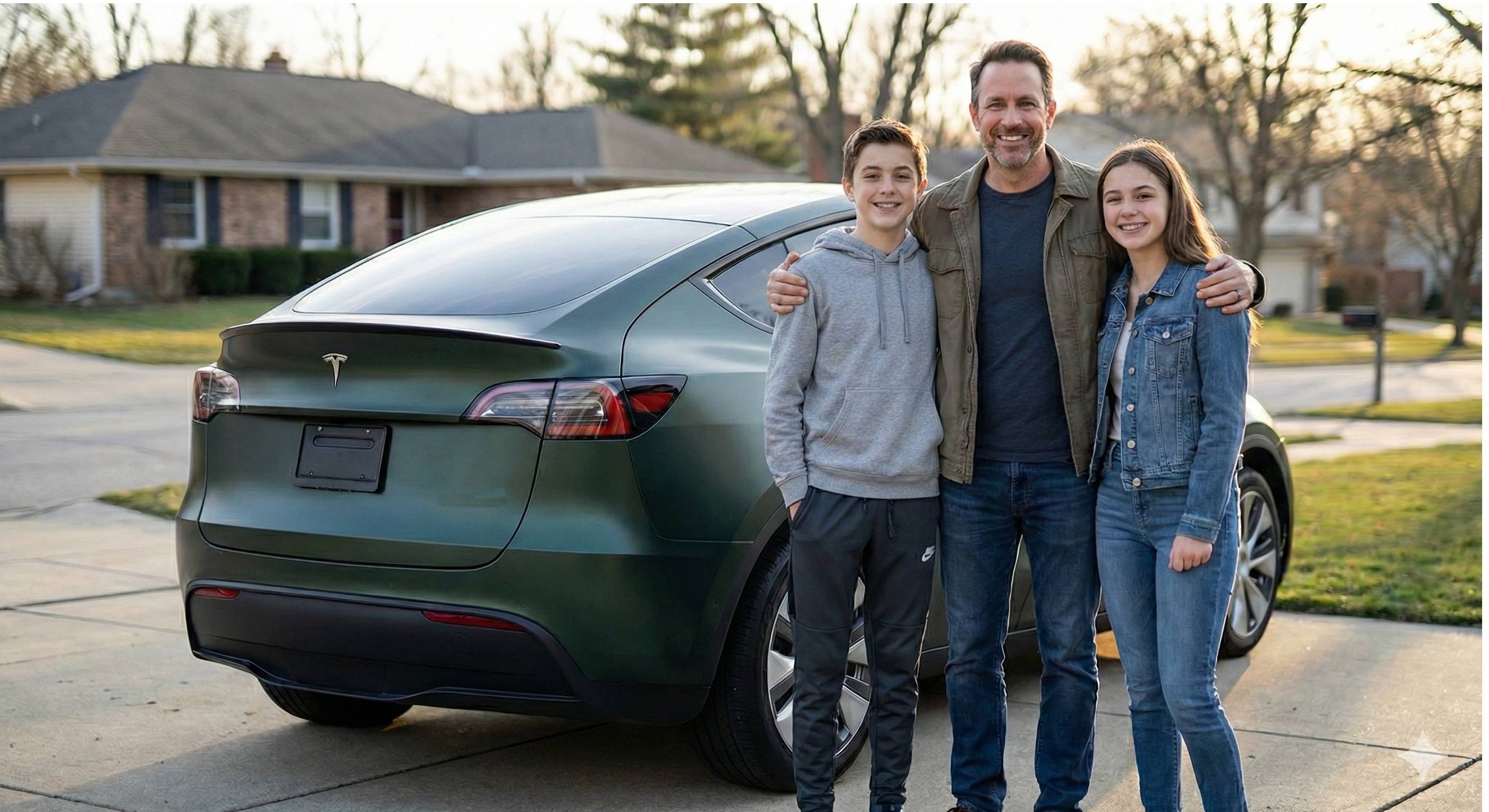
Introducing Sentry Driver: Monitor Your Tesla When Someone Else Is Behind the Wheel
If you’ve ever handed your Tesla keys to a teen driver, an employee, or a family member, you know the feeling: a mix of trust and uncertainty. Is the car being driven responsibly? Are speed limits being respected? Did they make it home safely?
Sentry Driver is a new app designed specifically for Tesla owners who want peace of mind when someone else is driving their vehicle.
What Is Sentry Driver?
Sentry Driver is a Tesla monitoring application that automatically tracks vehicle activity when you’re not behind the wheel. Using Bluetooth detection from your phone, the app knows when you’ve stepped away from your Tesla and activates monitoring mode.
The app connects through Tesla’s official Fleet API, providing accurate real-time data without requiring any hardware installation or modifications to your vehicle. The person driving your Tesla doesn’t need to install anything or even know the app is running.
Key Features
Real-Time Speed Alerts
Set your own speed threshold and receive instant notifications when it’s exceeded. Whether you’re concerned about highway speeding or want to ensure safe driving in residential areas, Sentry Driver keeps you informed.
Curfew and Zone Monitoring
Define allowed driving hours and geographic boundaries. If the vehicle is driven outside of permitted times or leaves a designated area, you’ll receive an alert immediately.
Accident Detection
One of the most critical features: Sentry Driver monitors for accidents both while driving and while parked. If something happens, you’ll know right away instead of finding out hours later.
Multi-Vehicle Support
Own more than one Tesla? Monitor your entire fleet from a single account. This makes Sentry Driver particularly useful for families with multiple Teslas or small business fleets.
Who Is It For?
Parents with teen drivers — Your teenager just got their license and wants to borrow the Model 3. With Sentry Driver, you can set speed limits, establish curfews, and ensure they’re driving safely without helicopter parenting.
Fleet managers — If your business operates Tesla vehicles, monitoring driver behavior helps maintain safety standards and protect company assets.
Shared vehicle households — Whether it’s a spouse, roommate, or family member, Sentry Driver provides transparency when multiple people share a single vehicle.
How It Works
- Install on your phone — Only the vehicle owner needs the app
- Connect your Tesla — Link through Tesla’s official Fleet API
- Set your preferences — Configure speed limits, curfews, and zones
- Walk away — Bluetooth detection automatically activates monitoring when you leave
The monitored driver doesn’t need to do anything. No app installation, no login, no awareness required on their end.
Availability
Sentry Driver is currently available for Android on the Google Play Store. An iOS version is coming soon.
The app works with all Tesla models that support the Fleet API: Model 3, Model Y, Model S, Model X, and Cybertruck.
Sentry Pro vs. Sentry Driver
You might be wondering how this relates to Sentry Pro. While both apps are designed for Tesla owners, they serve different purposes:
| Feature | Sentry Pro | Sentry Driver |
|---|---|---|
| Purpose | Sentry Mode monitoring (parked) | Driving behavior monitoring |
| When active | Vehicle is parked | Vehicle is being driven |
| Alerts for | Security events around your car | Speed, location, curfew violations |
| Best for | Protecting parked vehicles | Monitoring other drivers |
Think of them as complementary tools: Sentry Pro watches your Tesla when it’s parked, while Sentry Driver watches it when someone else is driving.
Get Started
Ready to know what happens when you’re not in the driver’s seat? Download Sentry Driver today and take the guesswork out of lending your Tesla.
- Website: sentrydriver.app
- Android: Google Play Store
iOS users: sign up for notifications on the website to be the first to know when the app launches on the App Store.