Tesla Privacy Settings: Who Can See Your Location and Cameras
Who can see your Tesla's location and cameras: you, added drivers, connected apps, Tesla and whoever holds the USB drive. How to check and limit each.
Who can see your Tesla's location and cameras: you, added drivers, connected apps, Tesla and whoever holds the USB drive. How to check and limit each.
How to delete one Sentry Mode or Dashcam clip or all of them, what Format USB Drive also erases, what the car clears on its own and what to wipe before a sale.
What Sentry Mode, Dashcam and the cabin view capture on a rented Tesla, what Turo needs guest consent for, and what to clear or pause between trips.
Found damage on your parked Tesla? Check whether Sentry Mode recorded it, why there may be no clip, and how to report, claim and repair it.
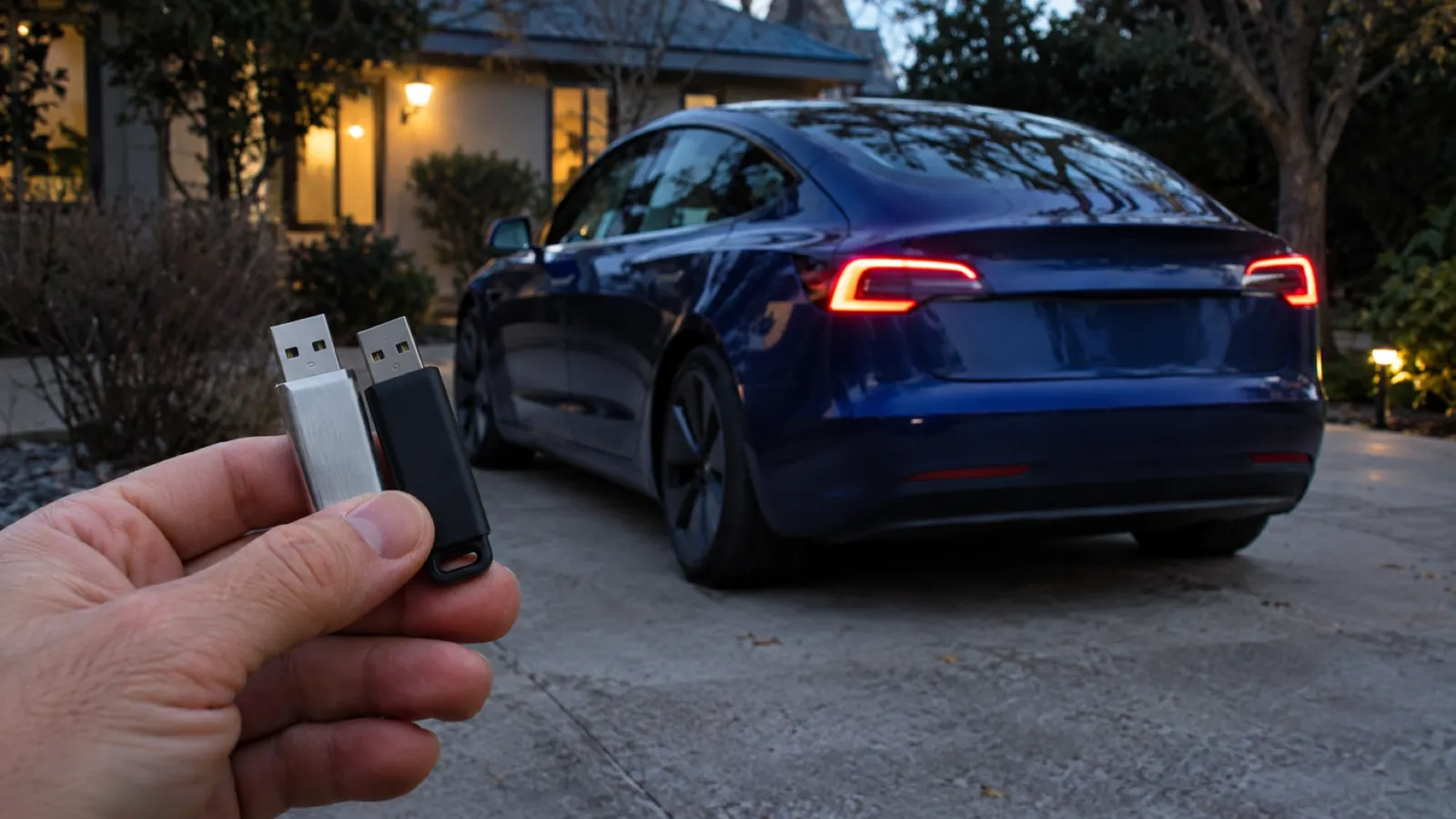
Can Sentry Mode, music, Boombox and Light Show share one Tesla USB drive or port? What Tesla's instructions say, which port records, and three set-ups.
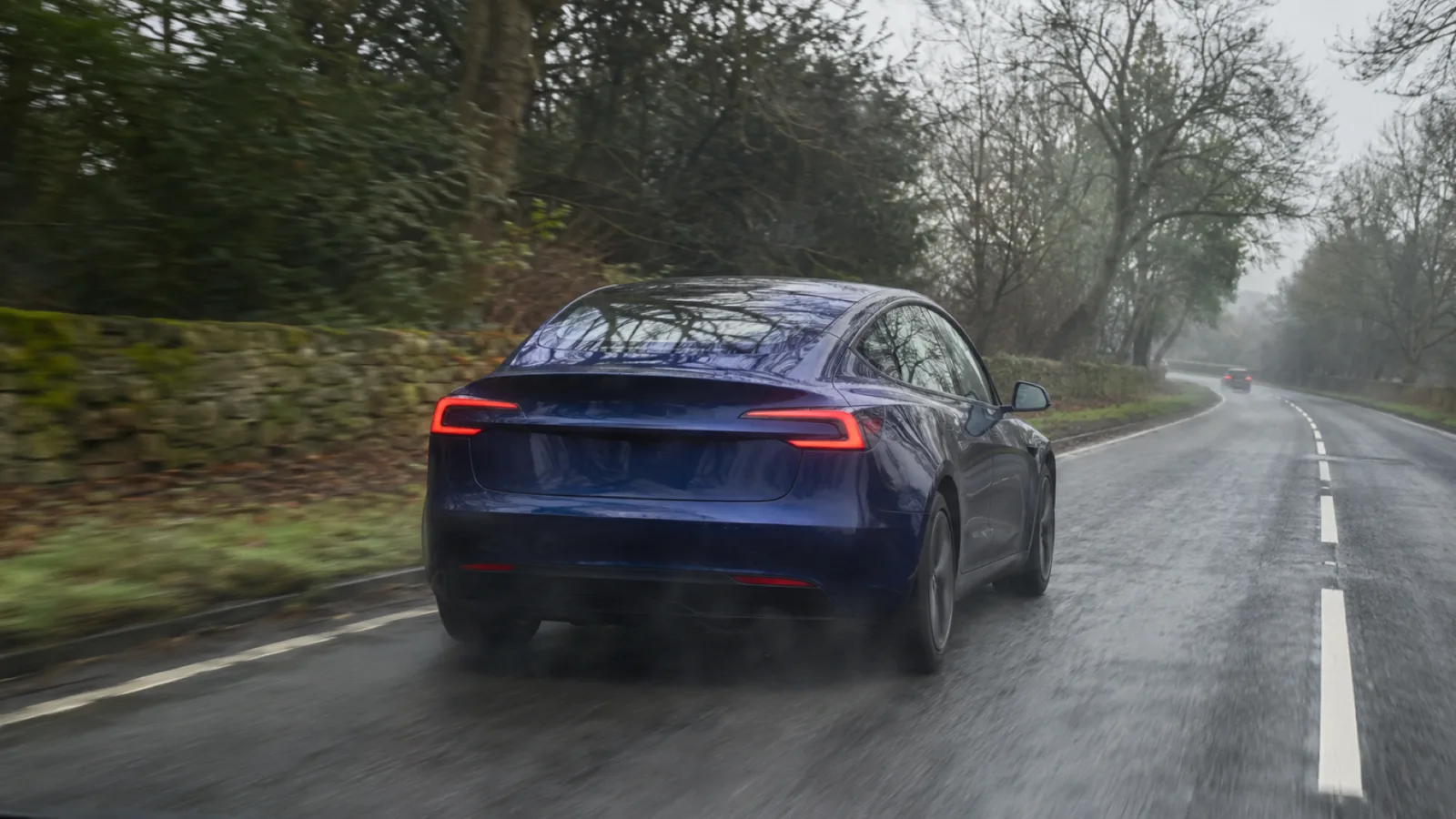
How Tesla's built-in Dashcam works: Auto, Manual and On Honk, what the icon means, how to save a clip during or after a drive, and where it goes.
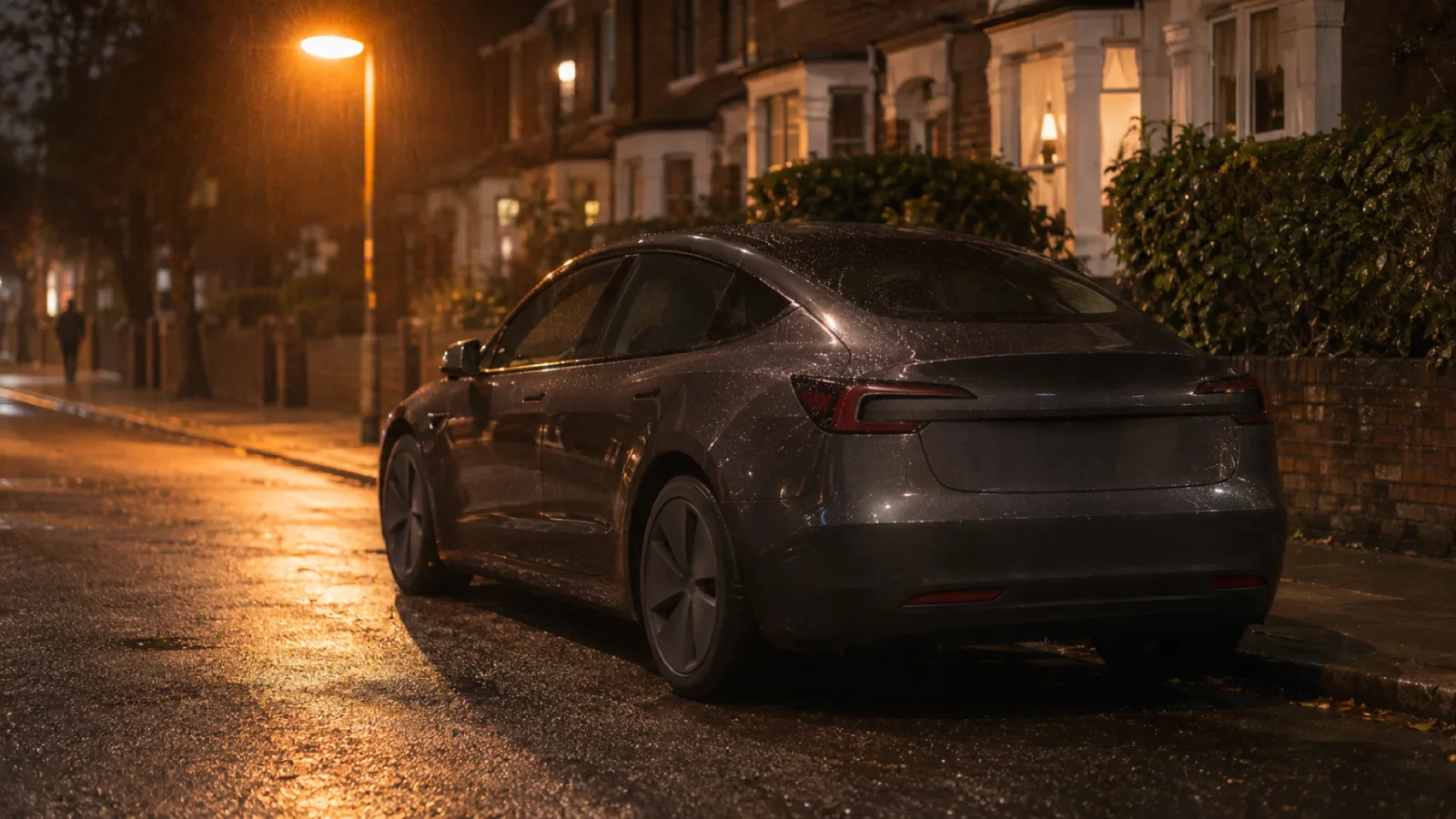
Sentry Mode saves four or six camera views, depending on your Tesla. What each model records, which cameras it leaves out and why your clips may show only four.
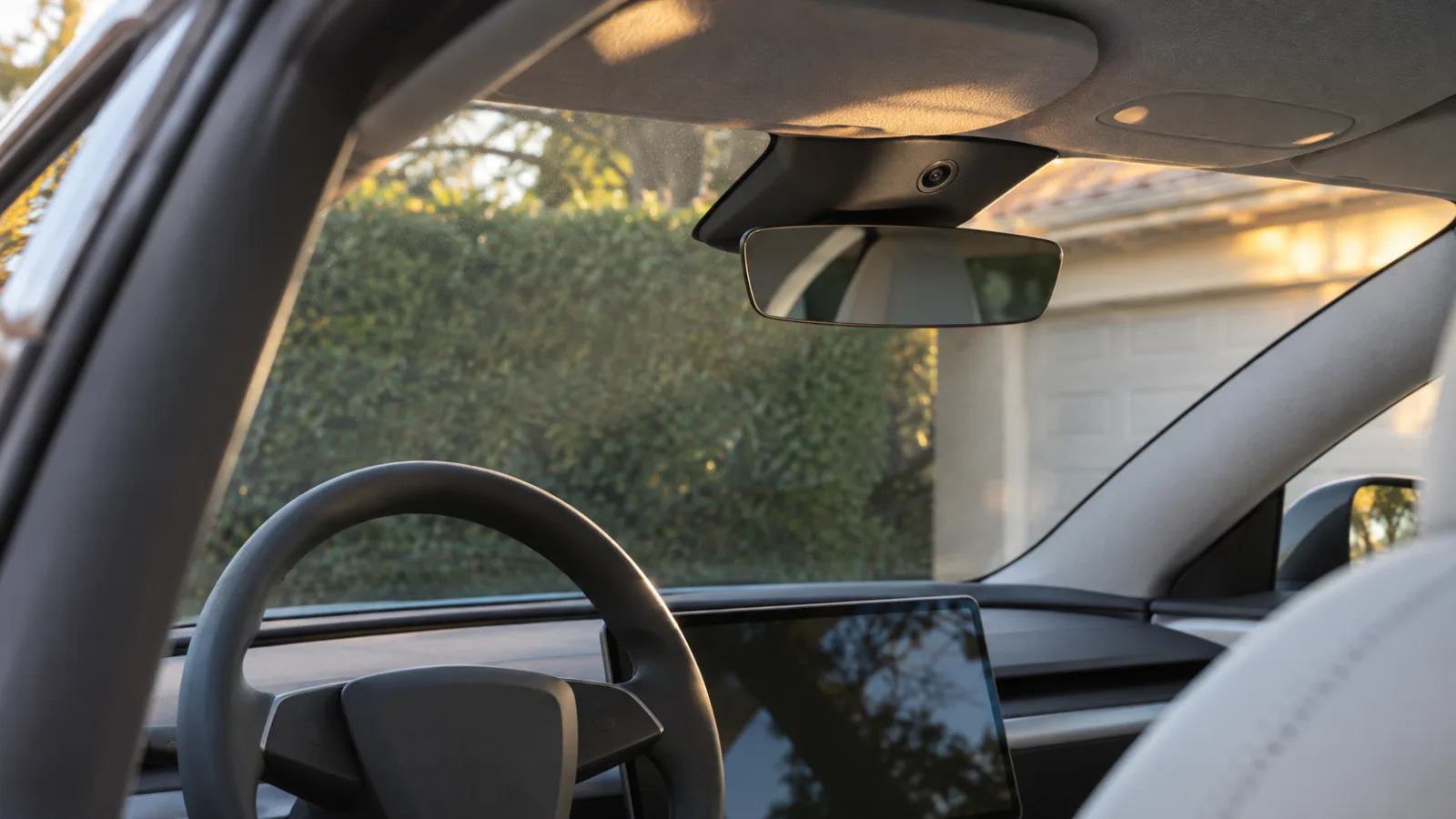
What Tesla's cabin camera does, when it records, whether Sentry Mode or Dashcam film the interior, who can see footage, and which settings control it.
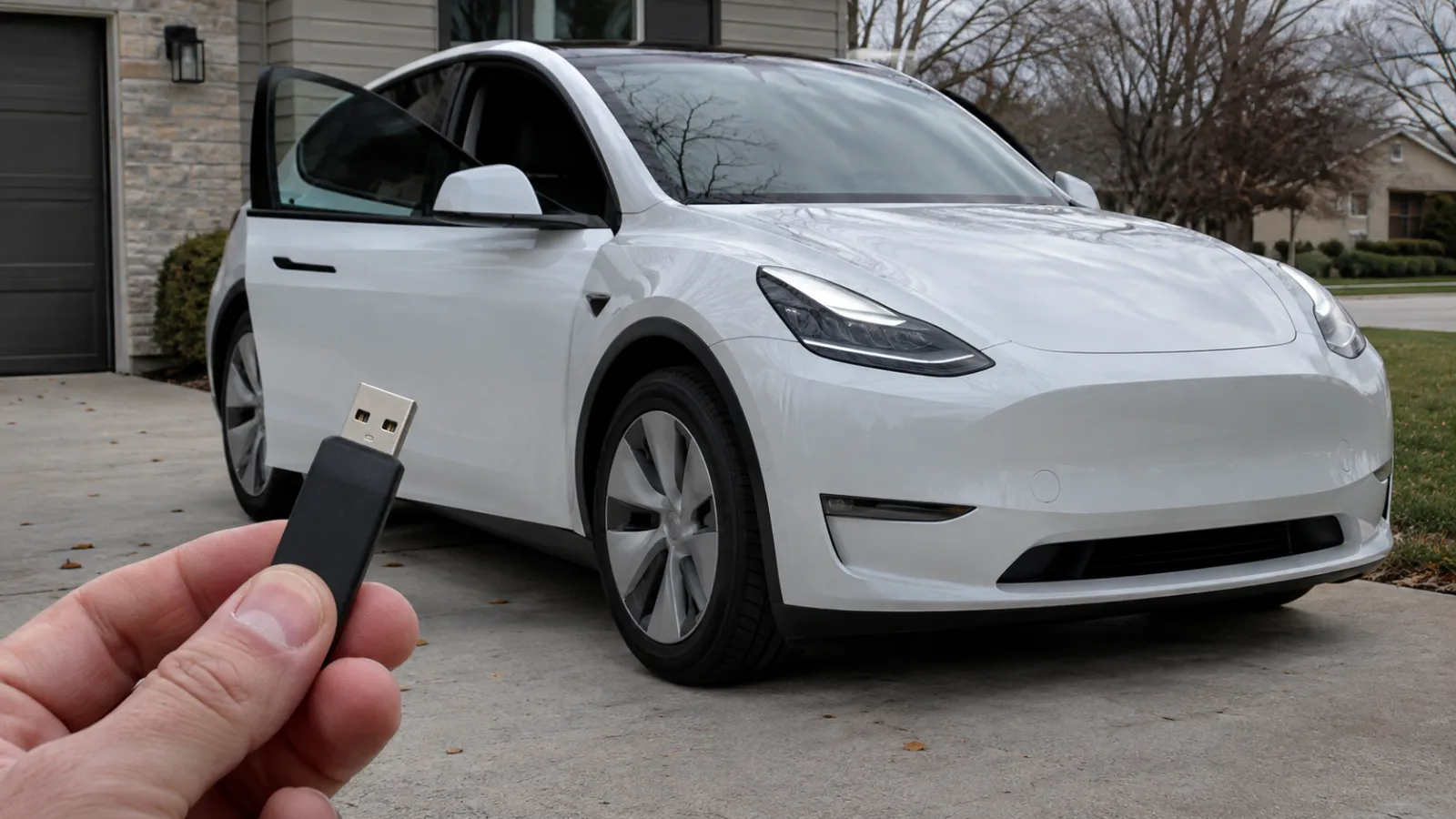
Tesla's USB drive requirements for Sentry Mode and Dashcam: 64 GB minimum, 4 MB/s sustained write, exFAT with a TeslaCam folder, which port records, in-car formatting, and how long footage lasts.
Watch Tesla Sentry Mode clips on the touchscreen, in the Tesla app, or from the USB drive on a computer or phone, and find the right event quickly.

How Tesla Sentry Mode works: what it detects, how to turn it on, USB and Dashcam requirements, viewing footage, notifications, live camera and battery use.