Does Tesla Record Inside the Car? Cabin Camera and Sentry Mode
What Tesla's cabin camera does, when it records, whether Sentry Mode or Dashcam film the interior, who can see footage, and which settings control it.
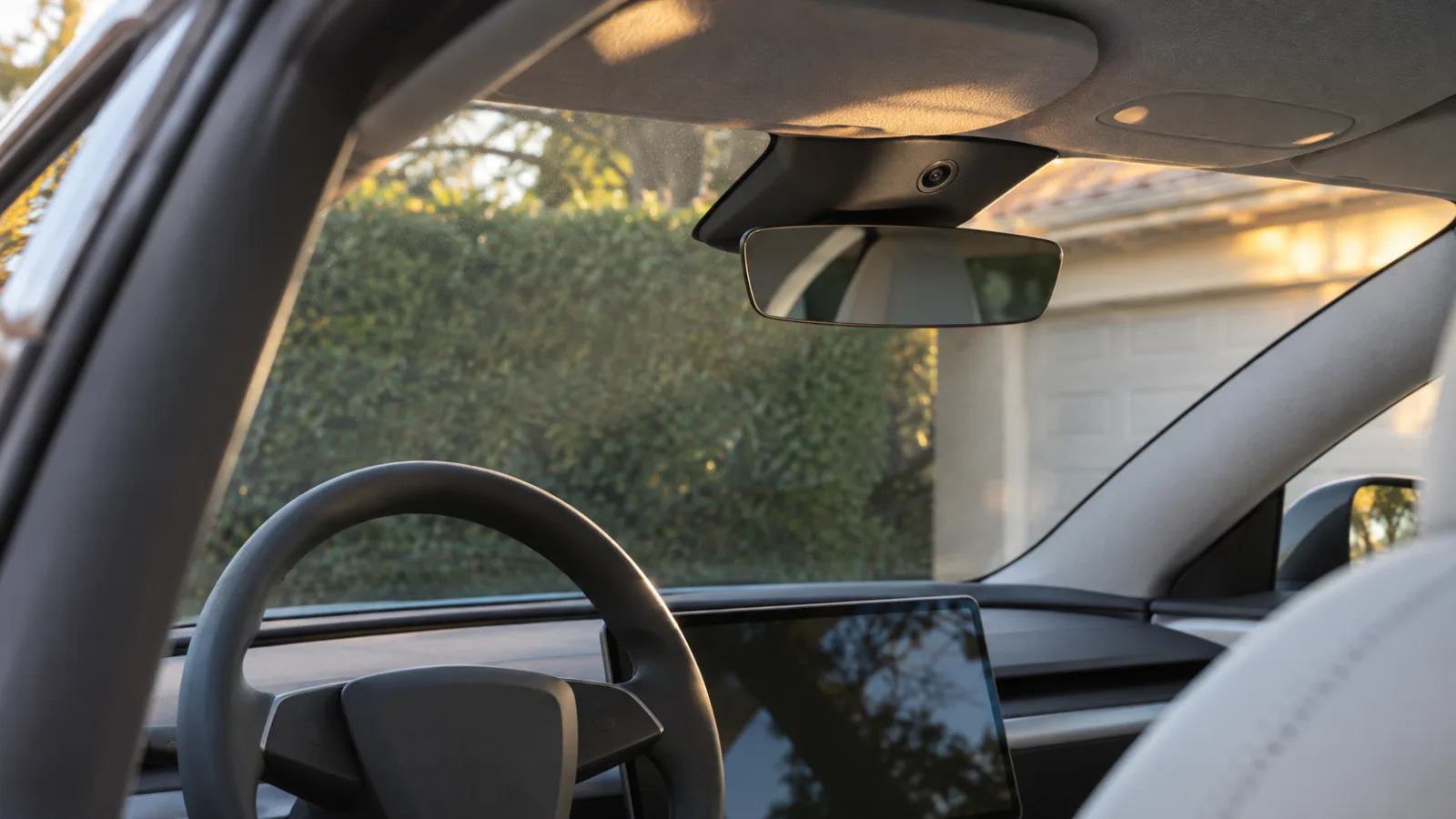
What Tesla's cabin camera does, when it records, whether Sentry Mode or Dashcam film the interior, who can see footage, and which settings control it.
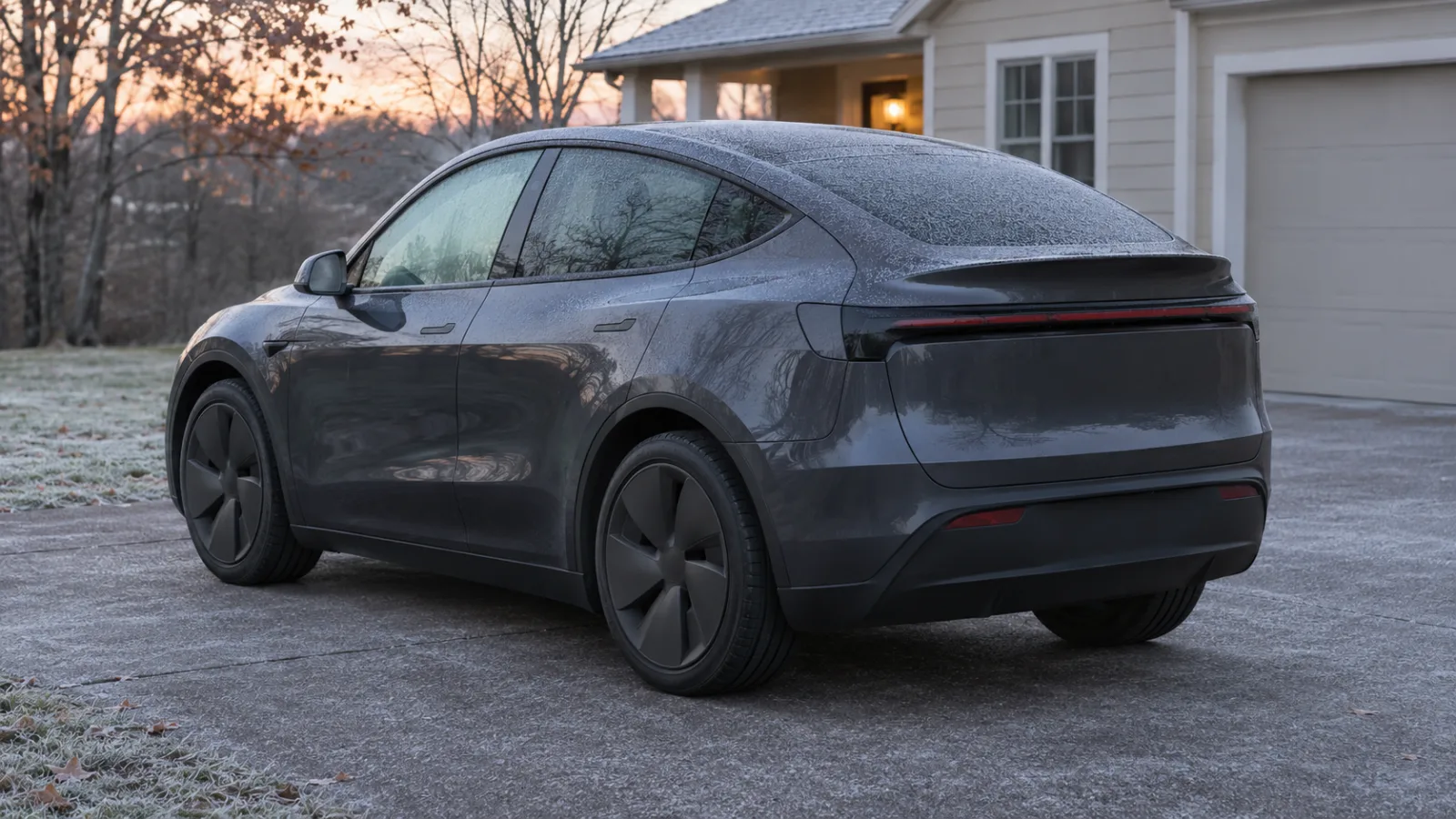
Tesla's manual puts idle loss near 1% a day. See what drains a parked Tesla, how to read the Energy app's Park tab, and what to turn off before you leave.

What Tesla's View Live Camera needs (Premium Connectivity, the car-side switch, a supported car), its daily cap, and what to check when it's missing or fails.

What sets off Tesla Sentry Mode, what 'Sentry activated' means, which events sound the alarm and which are only recorded, and how to cut false triggers.
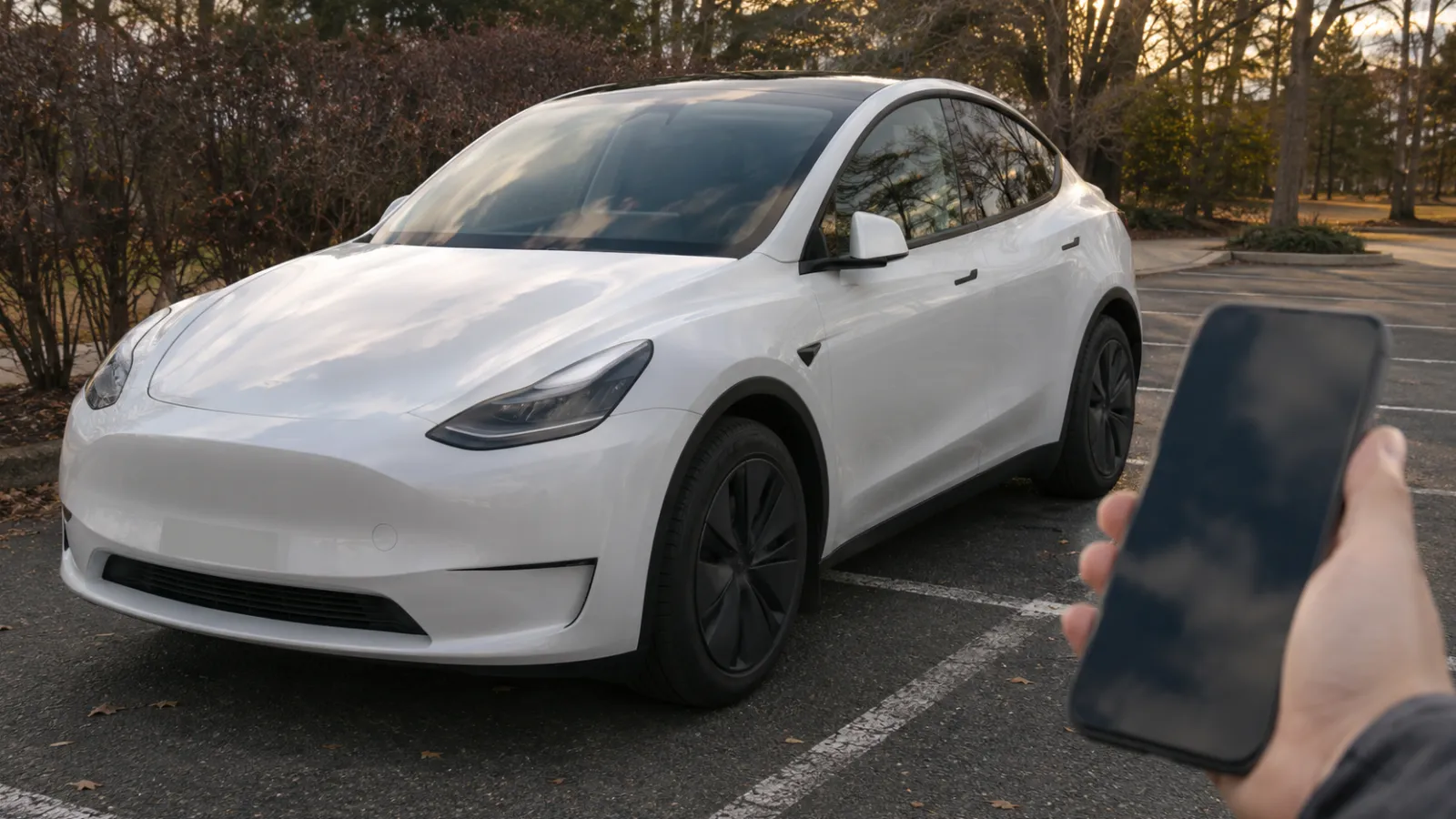
Turn Tesla Sentry Mode on or off from the touchscreen, the Tesla app or by voice, make it switch on every time you park, and see what stops it staying on.
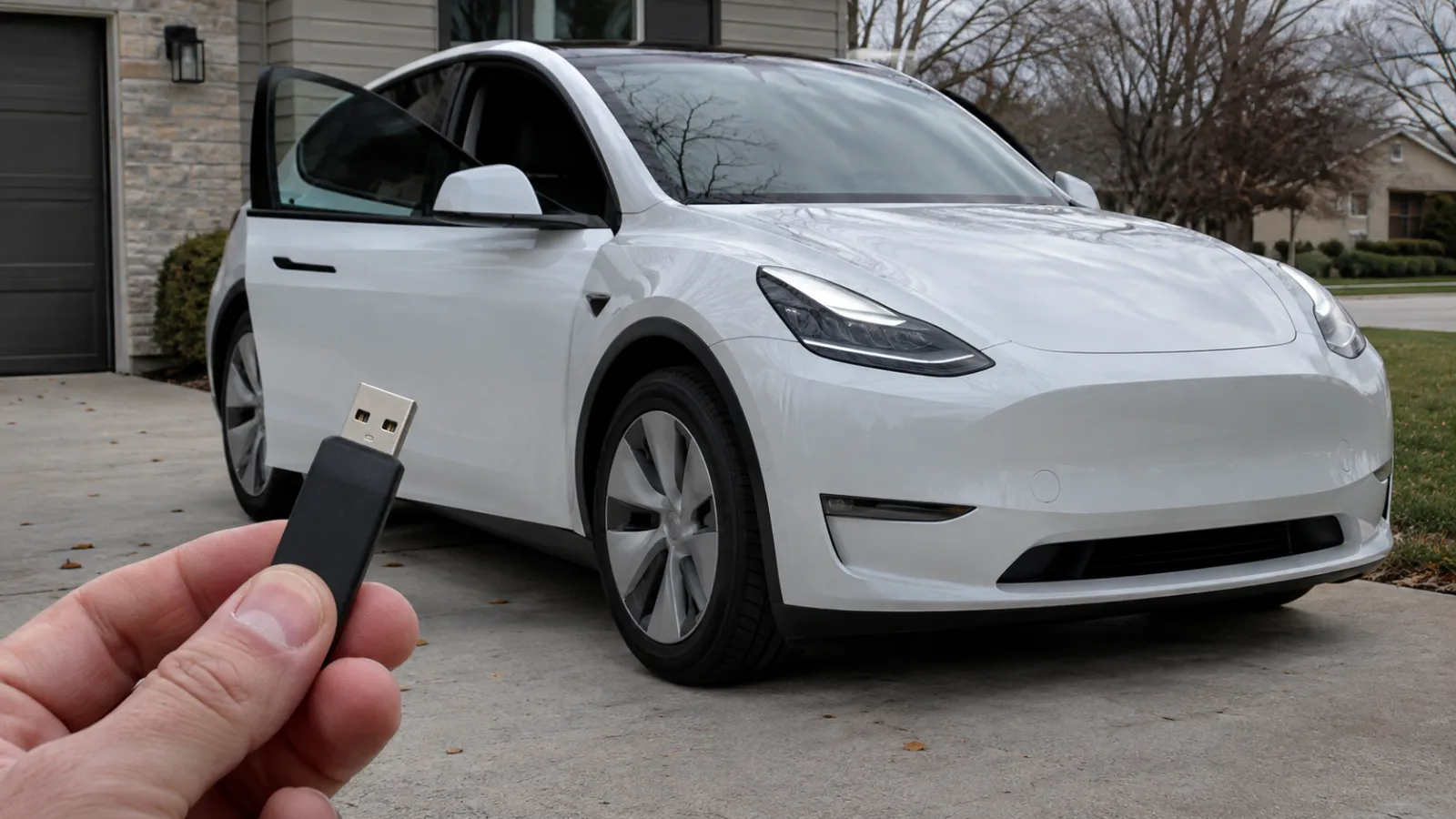
Tesla's USB drive requirements for Sentry Mode and Dashcam: 64 GB minimum, 4 MB/s sustained write, exFAT with a TeslaCam folder, which port records, in-car formatting, and how long footage lasts.
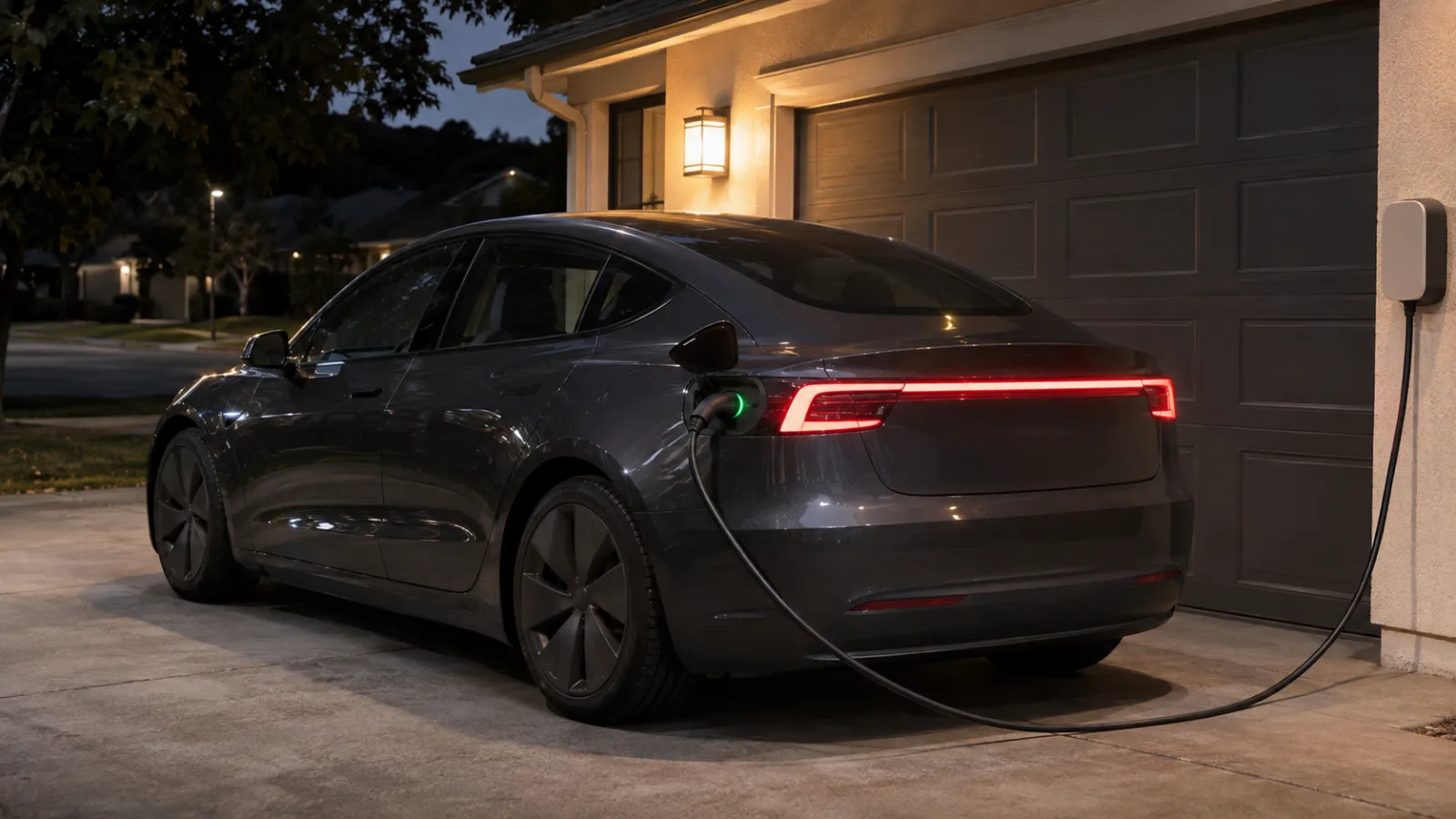
What Sentry Mode does while your Tesla is plugged in at home, at a public charger or at a Supercharger: the Low Power Mode cutoff, the locked charge cable, and which alerts reach your phone.

Should Sentry Mode run where your Tesla sleeps? What to turn on for a private garage, shared garage, driveway or street, how Exclude Home really works, and why Sentry still comes on at home.

Turn on Tesla PIN to Drive, reset a forgotten PIN, use it with Valet Mode, and see which other anti-theft settings and alerts are worth pairing with it.

Watch Tesla Sentry Mode clips on the touchscreen, in the Tesla app, or from the USB drive on a computer or phone, and find the right event quickly.

Which 2012–2020 Model S and Model X have Sentry Mode, how to check your own car in a minute, what an upgrade changes, and when phone alerts can work.

A Sentry Mode alert just reached your phone. How to tell what it means, what you can do from the Tesla app, when to call the police and how to keep the clip.
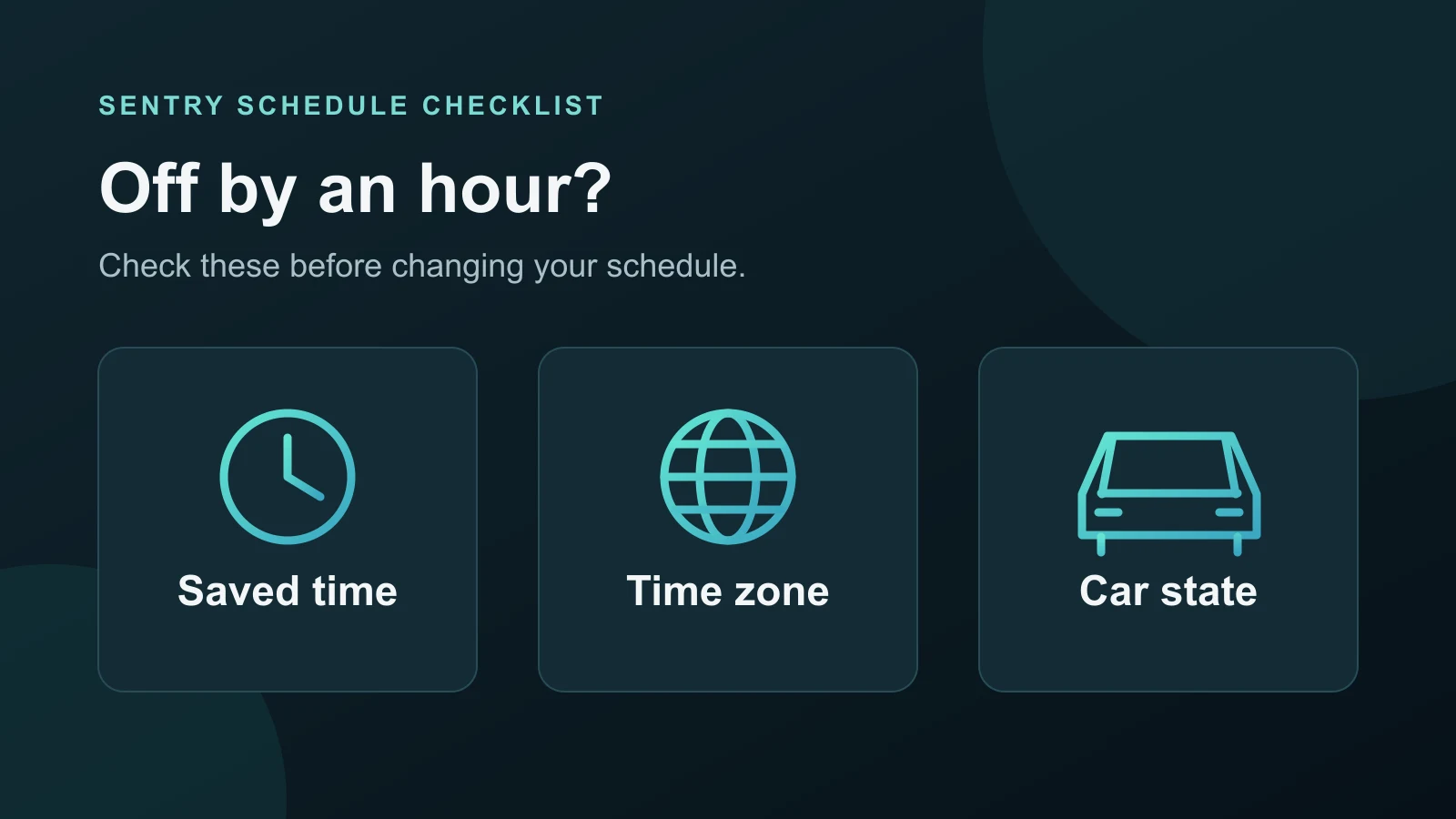
Check your Sentry Pro schedule after a clock change or travel: confirm the saved times, separate notification timestamps from actual switching, and verify the next change.
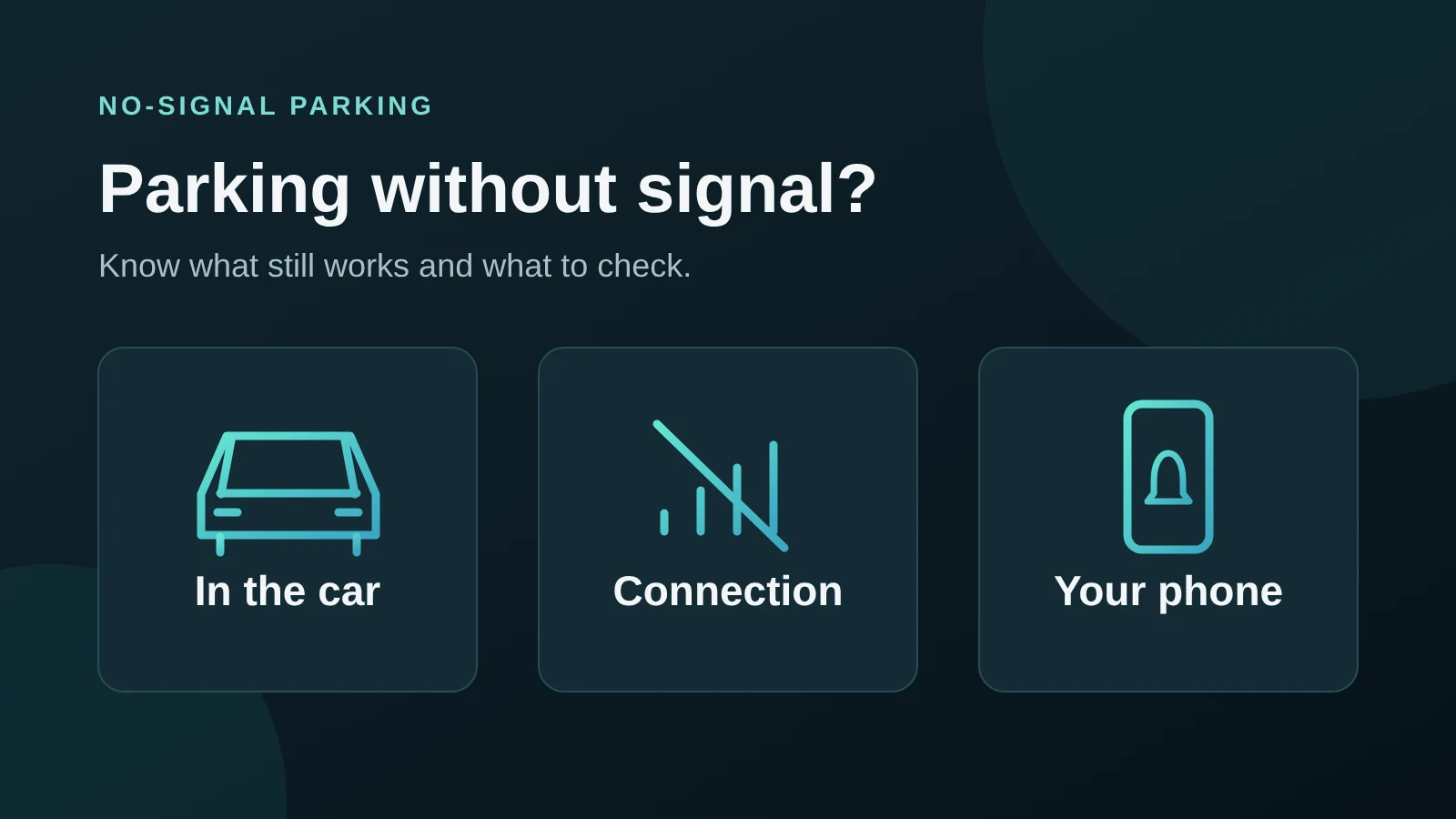
Parking underground or out of coverage? See what Sentry Mode keeps doing in the car, what needs a connection, and what to check before you walk away.
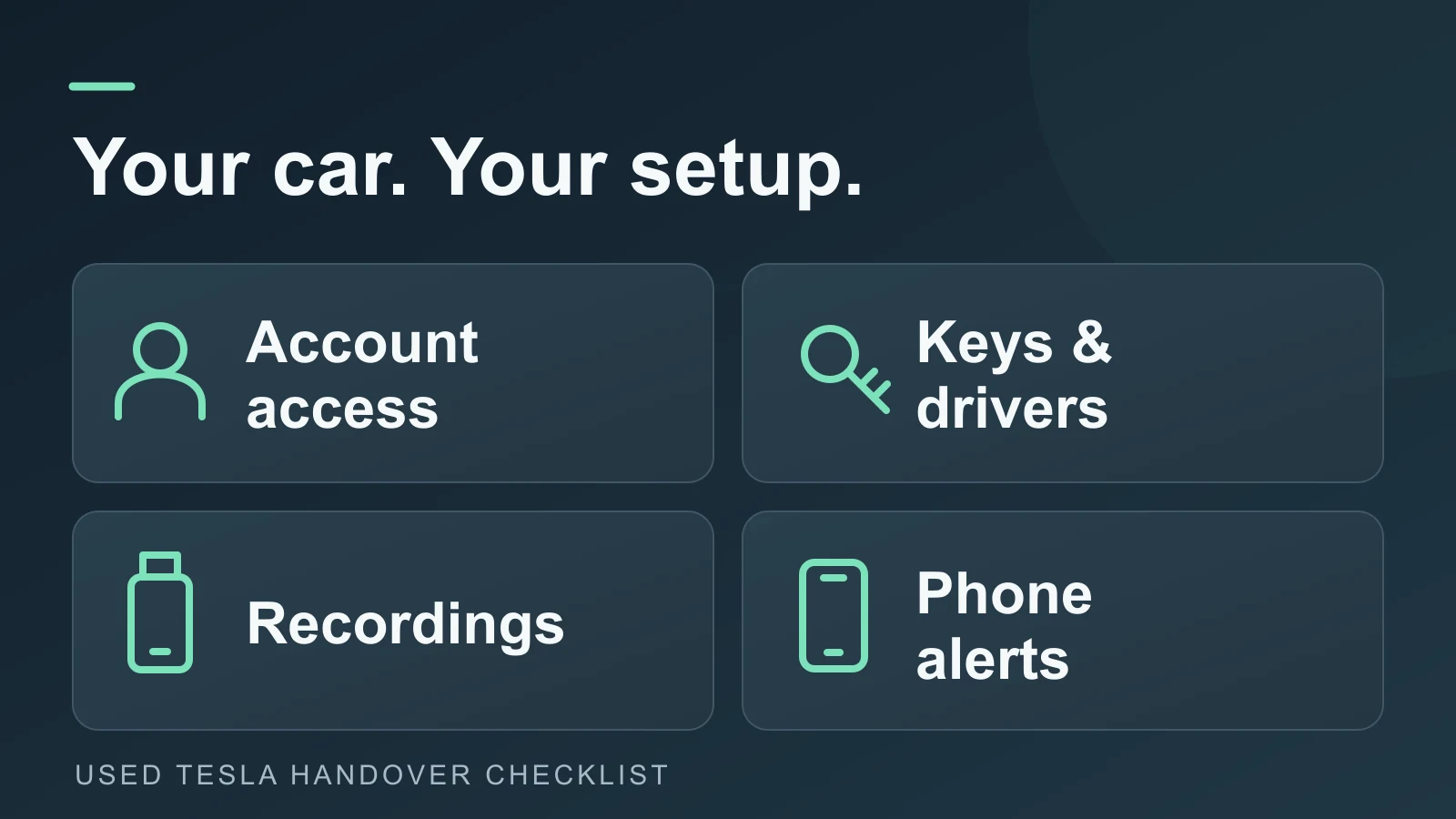
Set up security after buying a used Tesla: confirm ownership, review keys and drivers, check Sentry recordings, and connect phone alerts to your account.

Prepare your Tesla for a ferry crossing: check operator alarm rules, review Sentry schedules, and restore your usual settings after arrival.
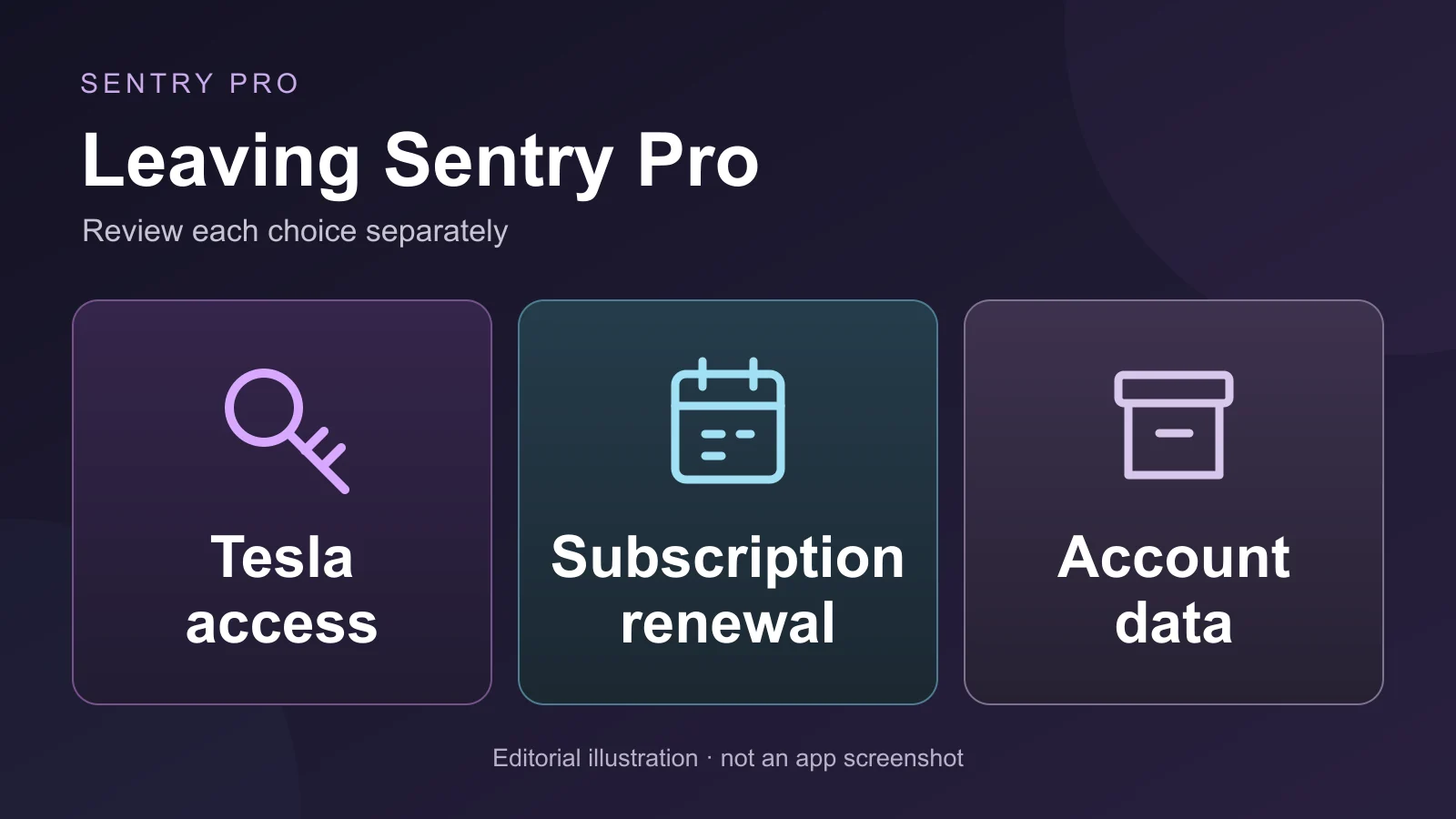
Stopping Sentry Pro? Learn how Tesla access, subscription cancellation and account deletion differ, and what to check before removing the app.
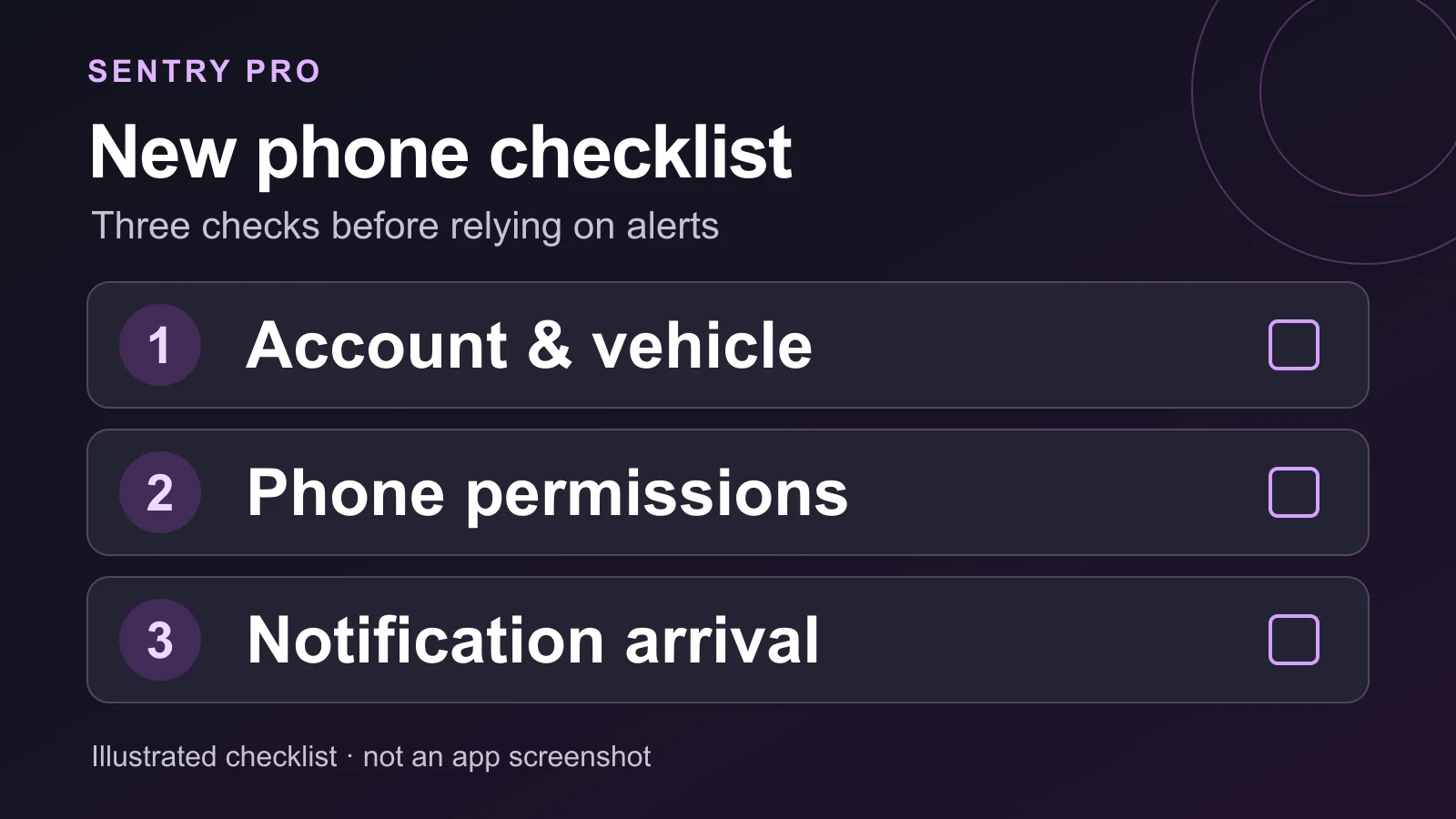
Moving Sentry Pro to a new iPhone or Android phone? Check your Tesla account, vehicle, subscription and notification settings before relying on alerts.

Tesla's app only alerts you when the alarm triggers, someone tries a door or trunk, or the car senses sudden jerky motion. Here's what's recorded vs. notified.

Explore the alarming rise in Tesla vandalism incidents in 2025, linked to Elon Musk’s Department of Government Efficiency role, and discover how Sentry Pro offers proactive protection to combat rising insurance prices.
How Tesla Sentry Mode works: what it detects, how to turn it on, USB and Dashcam requirements, viewing footage, notifications, live camera and battery use.