Tesla Dashcam: How to Set It Up and Save a Clip While Driving
How Tesla's built-in Dashcam works: Auto, Manual and On Honk, what the icon means, how to save a clip during or after a drive, and where it goes.
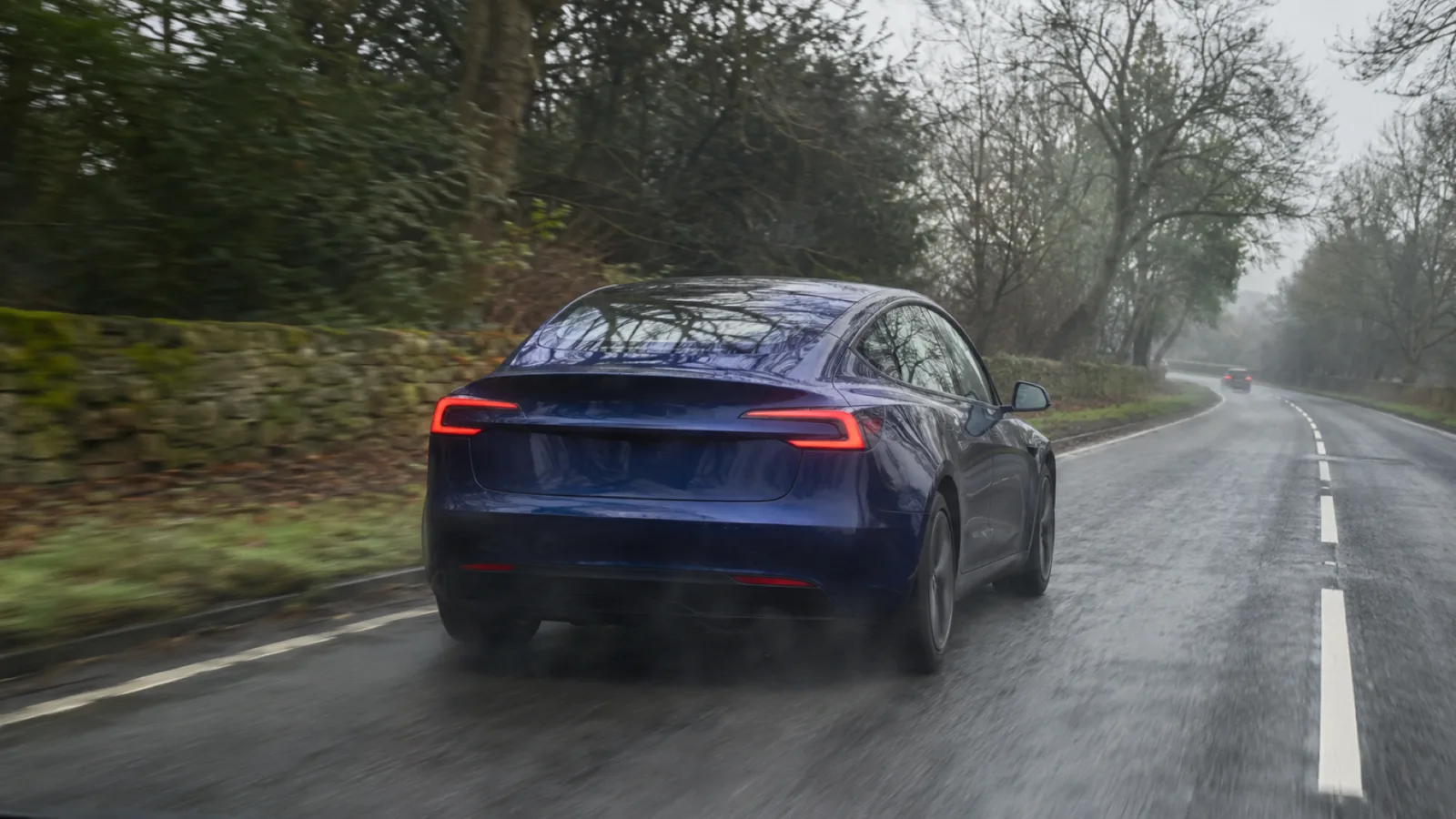
How Tesla's built-in Dashcam works: Auto, Manual and On Honk, what the icon means, how to save a clip during or after a drive, and where it goes.
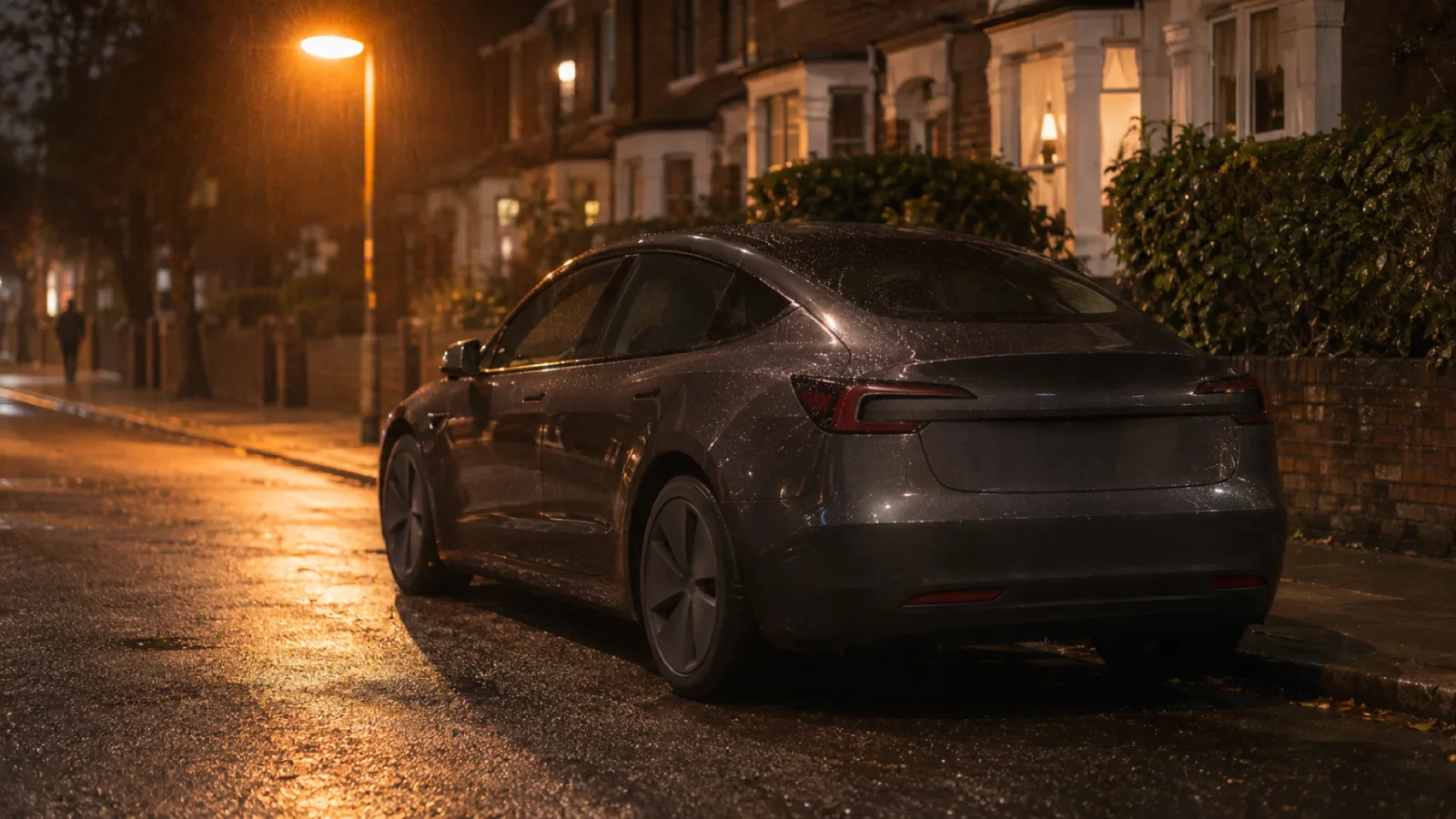
Sentry Mode saves four or six camera views, depending on your Tesla. What each model records, which cameras it leaves out and why your clips may show only four.
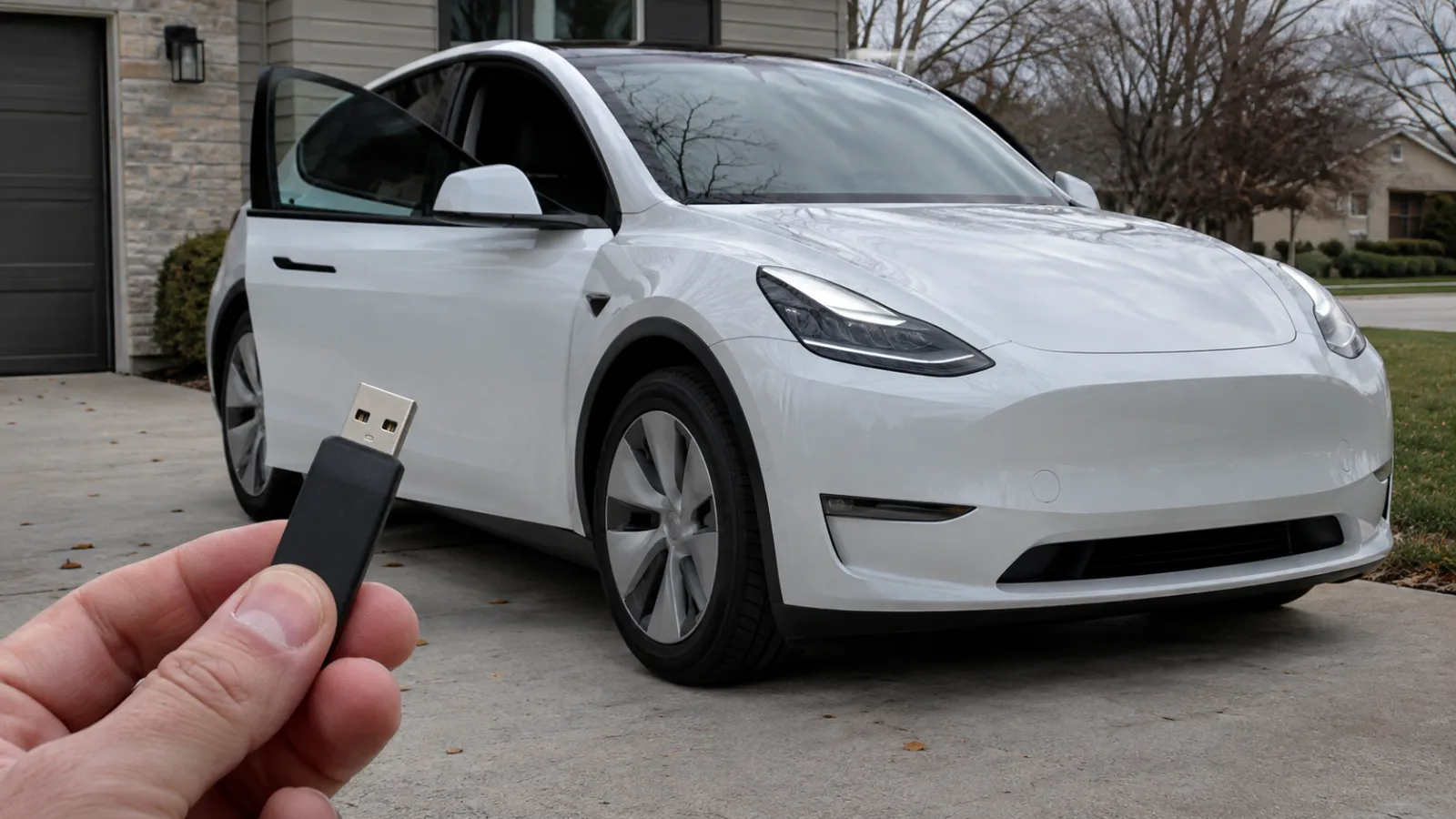
Tesla's USB drive requirements for Sentry Mode and Dashcam: 64 GB minimum, 4 MB/s sustained write, exFAT with a TeslaCam folder, which port records, in-car formatting, and how long footage lasts.
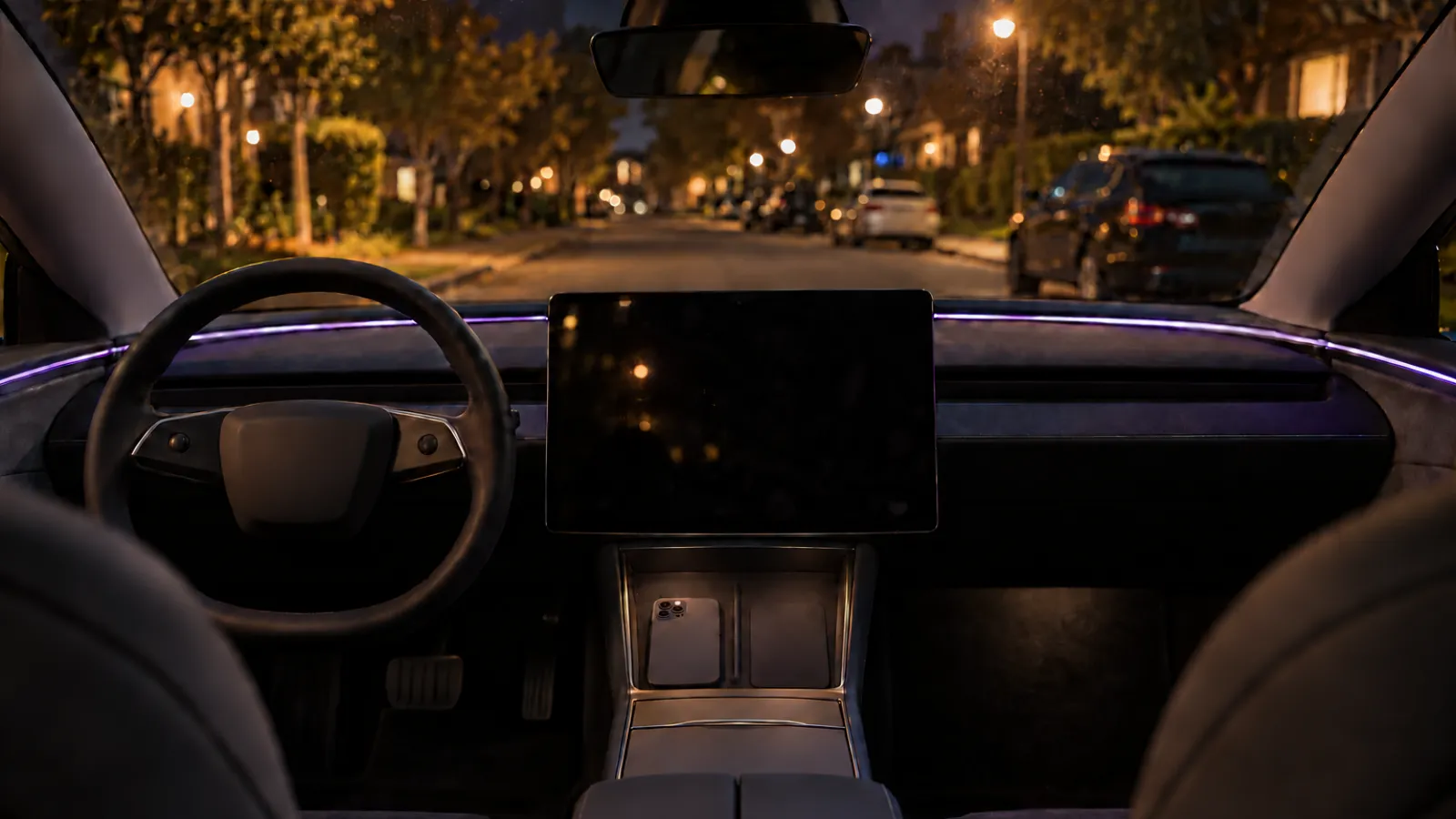
Watch Tesla Sentry Mode clips on the touchscreen, in the Tesla app, or from the USB drive on a computer or phone, and find the right event quickly.